Martial arts tournament & school software
Run your tournament.
Not your spreadsheet.
Registration by QR, divisions and brackets in one click, a schedule with no clashes and live scoring on the big screen — for organizers and the schools that compete with them.
Sound familiar?
A tournament is hundreds of moving parts.
Registrations in five places
Paper forms, chats and spreadsheets from every school — retyped by hand the week of the event.
With MartialArtsBracket: One list. Families and instructors register online, and instructors confirm their own students.
Brackets drawn the night before
Sorting hundreds of competitors by age, belt and weight, then finding the divisions with only one person.
With MartialArtsBracket: Divisions and brackets in one click, with the small divisions flagged before you print anything.
“Where do I go now?”
Competitors in two places at once, parents asking at the desk, areas waiting on each other.
With MartialArtsBracket: A schedule with no clashes, an Up Next board in the gym and a pass on every phone.
How it works
From the first registration to the last medal.
Set up your divisions
Your event catalog, belt ranks and age and weight classes — once, for every tournament.
Open registration
Share the QR on your poster. Instructors confirm their students and the list builds itself.
Generate brackets & schedule
Divisions, brackets and a clash-free timetable across every area, ready to print.
Run the day live
Judges score from a phone; the scoreboard, brackets and every pass update at once.
Tournament day
Everyone sees the same tournament, live.
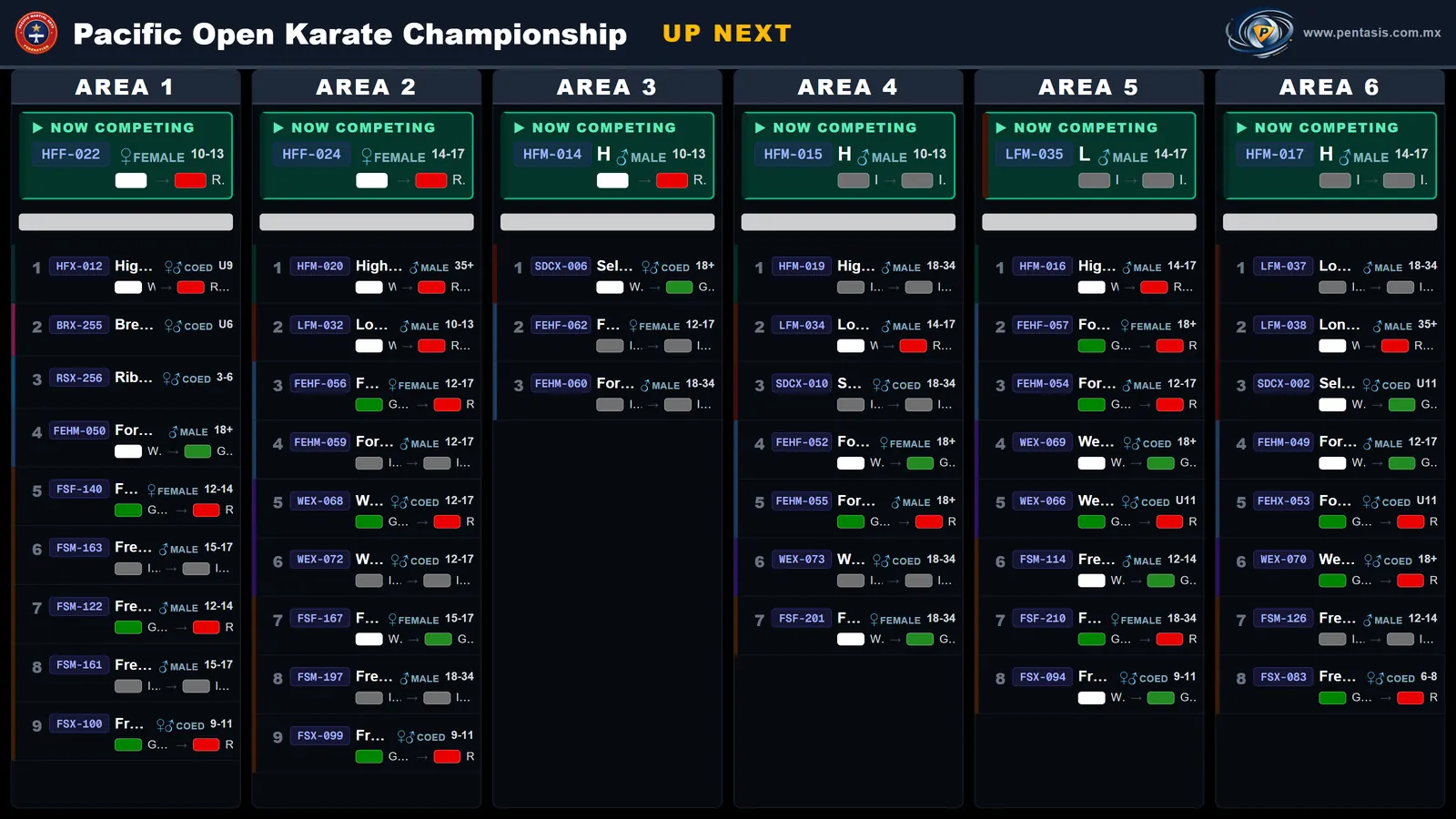
Judges score from a phone and the big screen follows every point. The board in the gym shows what is competing on each area and who is up next.
Live scoring
Points, penalties and rounds appear on the big screen the moment the judge taps them.
Up Next board
Each area, the division on the mat and the line that follows — on a projector or a TV.
Brackets that run themselves
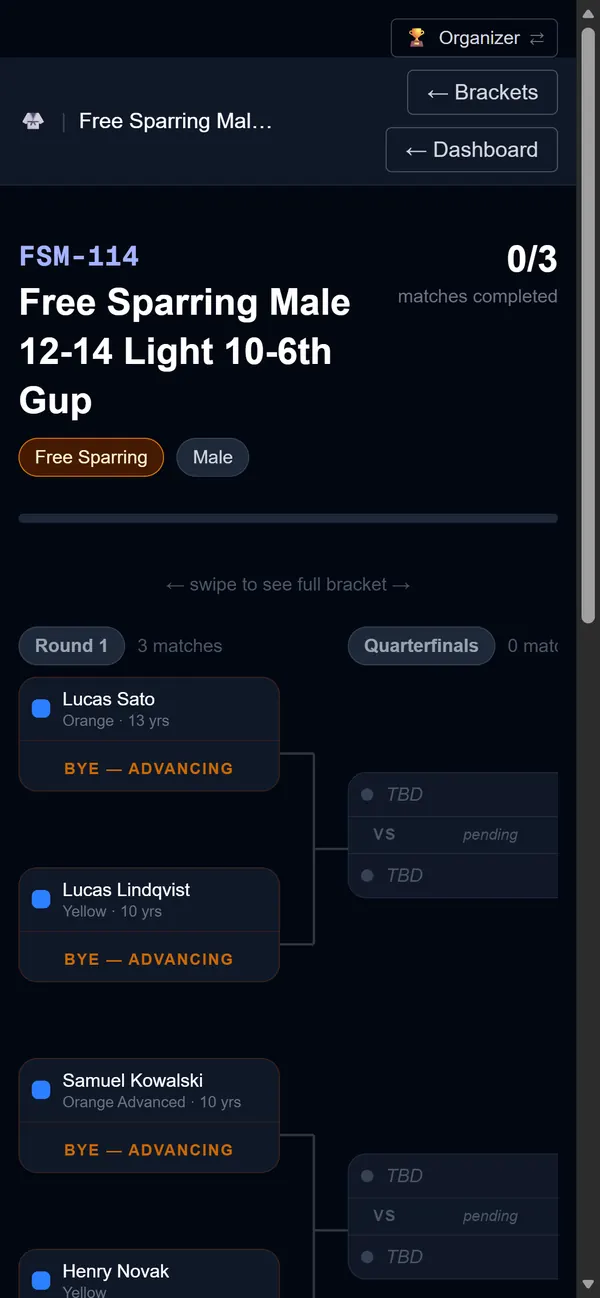
Byes, double bronze and the next round fill in as results are captured.
For organizers
Everything the desk used to do by hand.
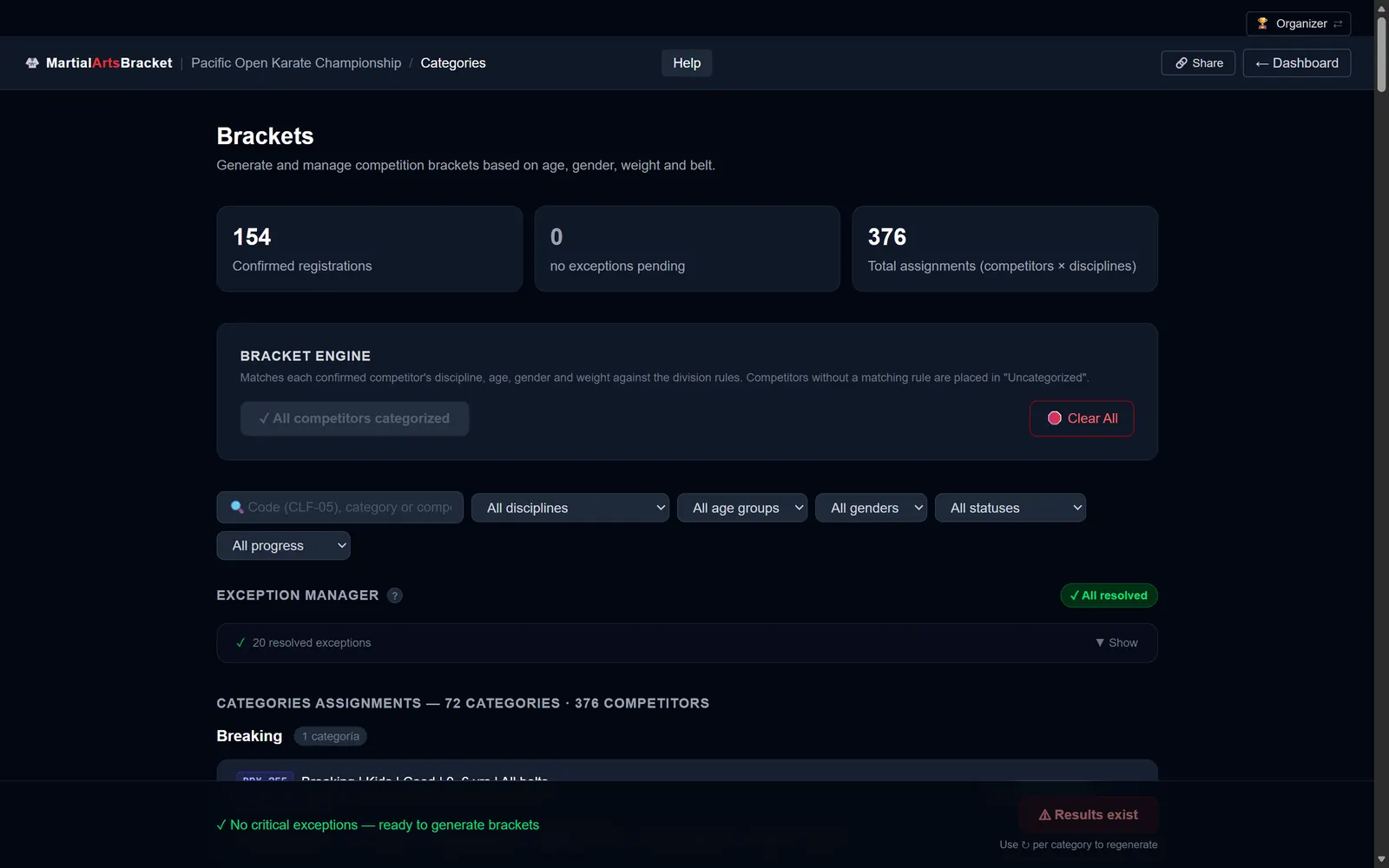
Divisions in one click
Competitors are placed by age, gender, belt and weight, following your organization's own event catalog. Divisions with one or two competitors are flagged before you generate a single bracket — merge them or approve them consciously.
- Your own divisions and belt ranks
- Late registrations without starting over
- Self-defense pairs handled as a team
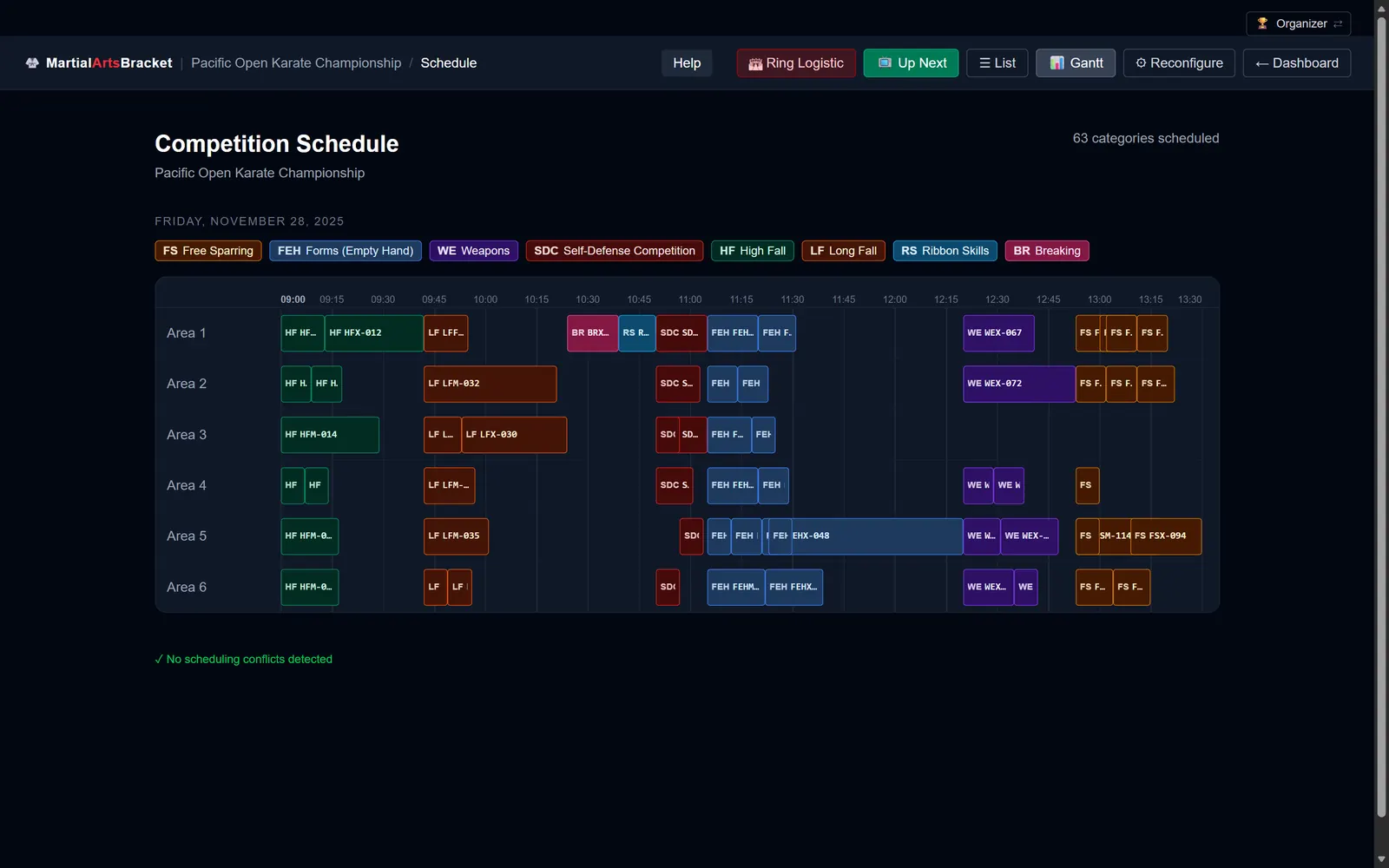
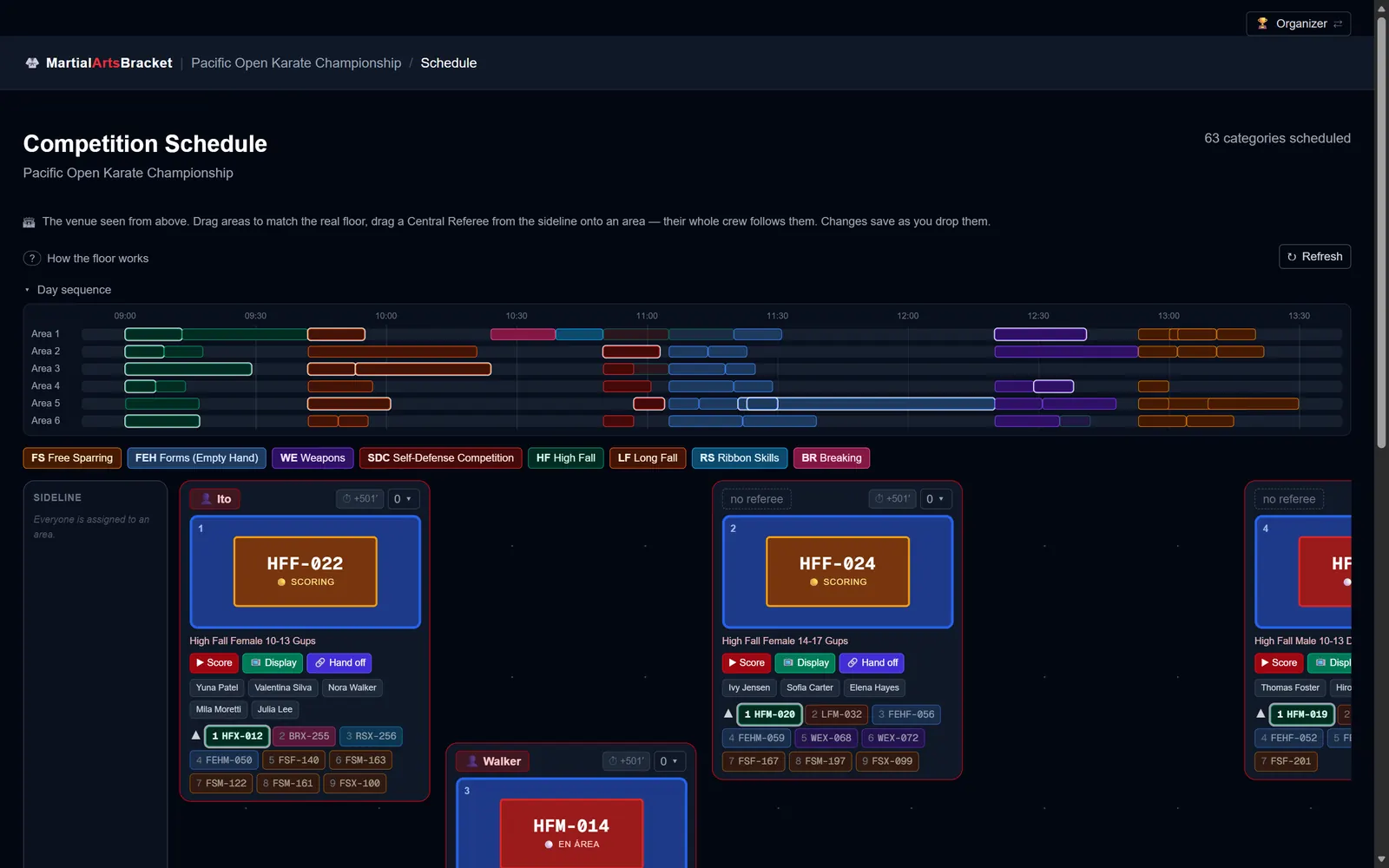
A schedule with no clashes
The day is spread across every competition area automatically, in the order your rules require. If a competitor is in two places at the same time, you see it before the tournament — not on the mat.
- List and timeline views
- Printed packets per area for the referees
- Move work between areas from the floor on tournament day
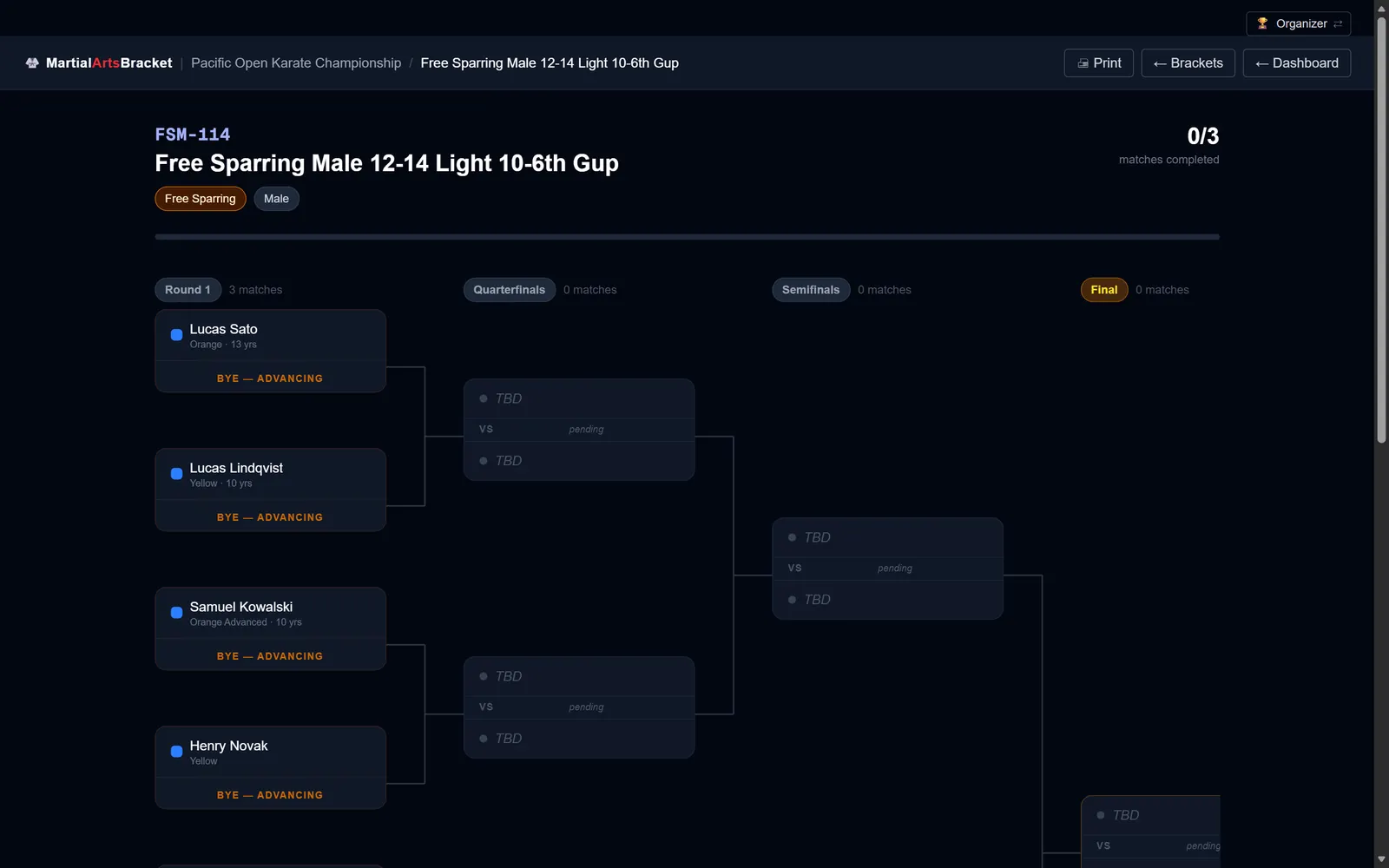
Brackets, results and paperwork
Brackets fit on a letter page, results flow to the next round, and medals are known the moment a final ends. Diplomas, competitor badges with a verifiable QR and judge packets come out of the same data.
- Live scoreboard for sparring
- Rounds for forms, self-defense and falls
- Diplomas and badges ready to print
For competitors & families
A personal pass in every pocket.
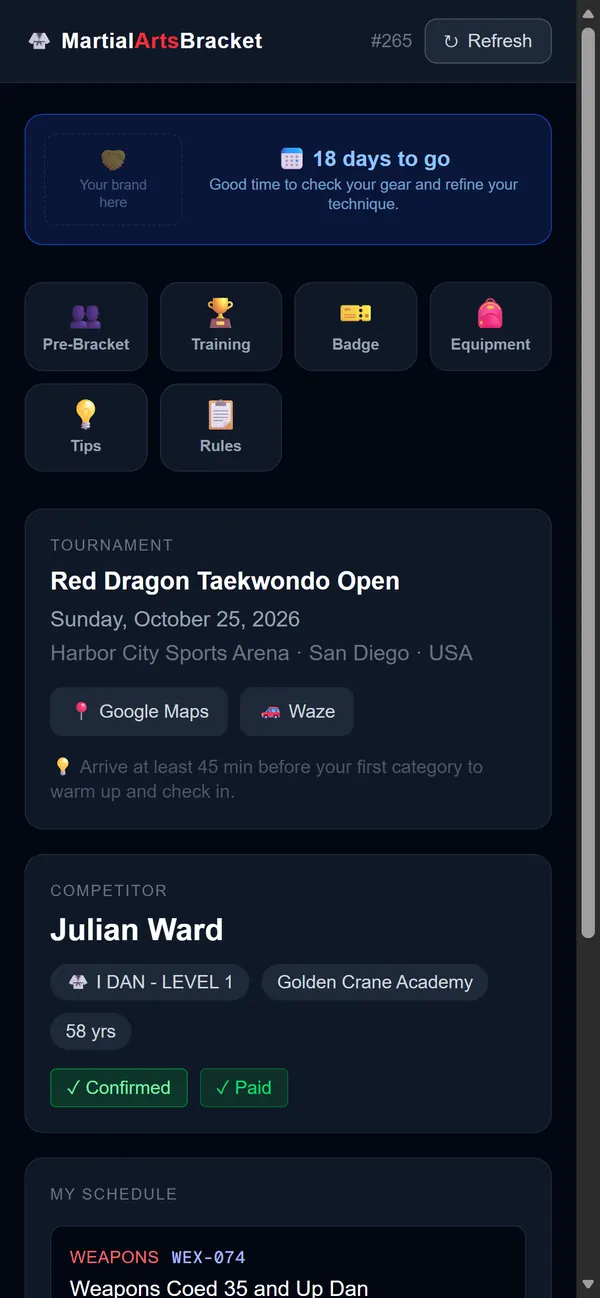
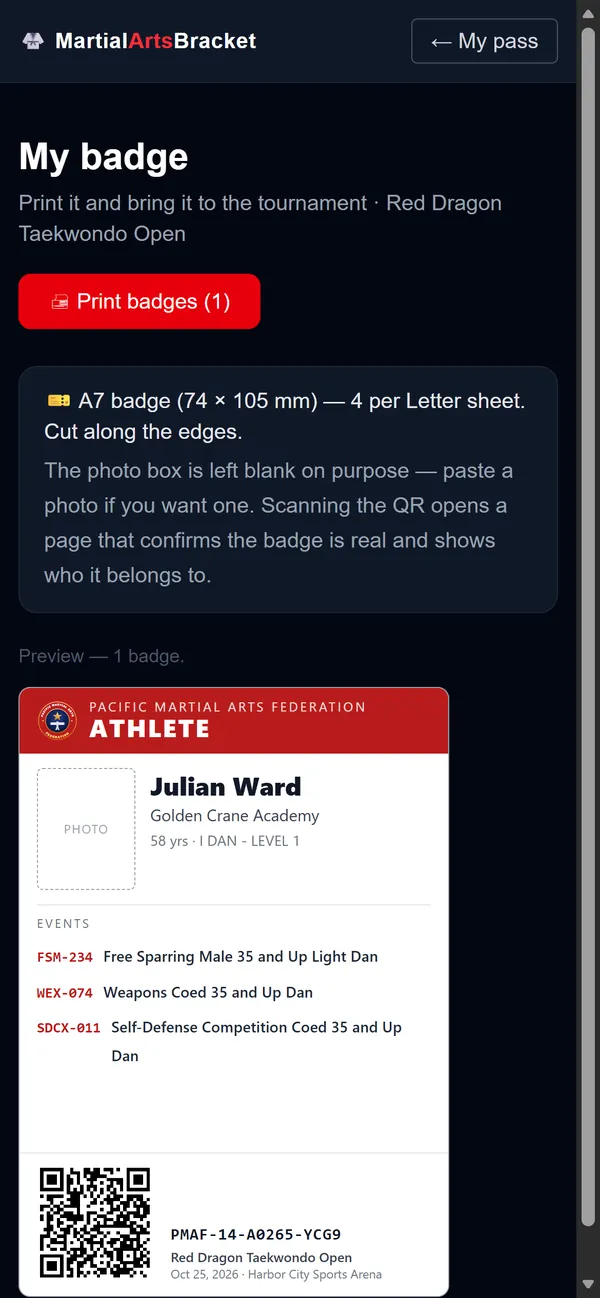
Every competitor gets a link and a QR with their divisions, their area and time, their bracket and their results — updated live on tournament day, with directions to the venue.
- A countdown and a training plan for the weeks before
- Who else is in their division, before the brackets are drawn
- A printable badge with a QR the door staff can verify
For school owners
Run your school, not just your tournaments.
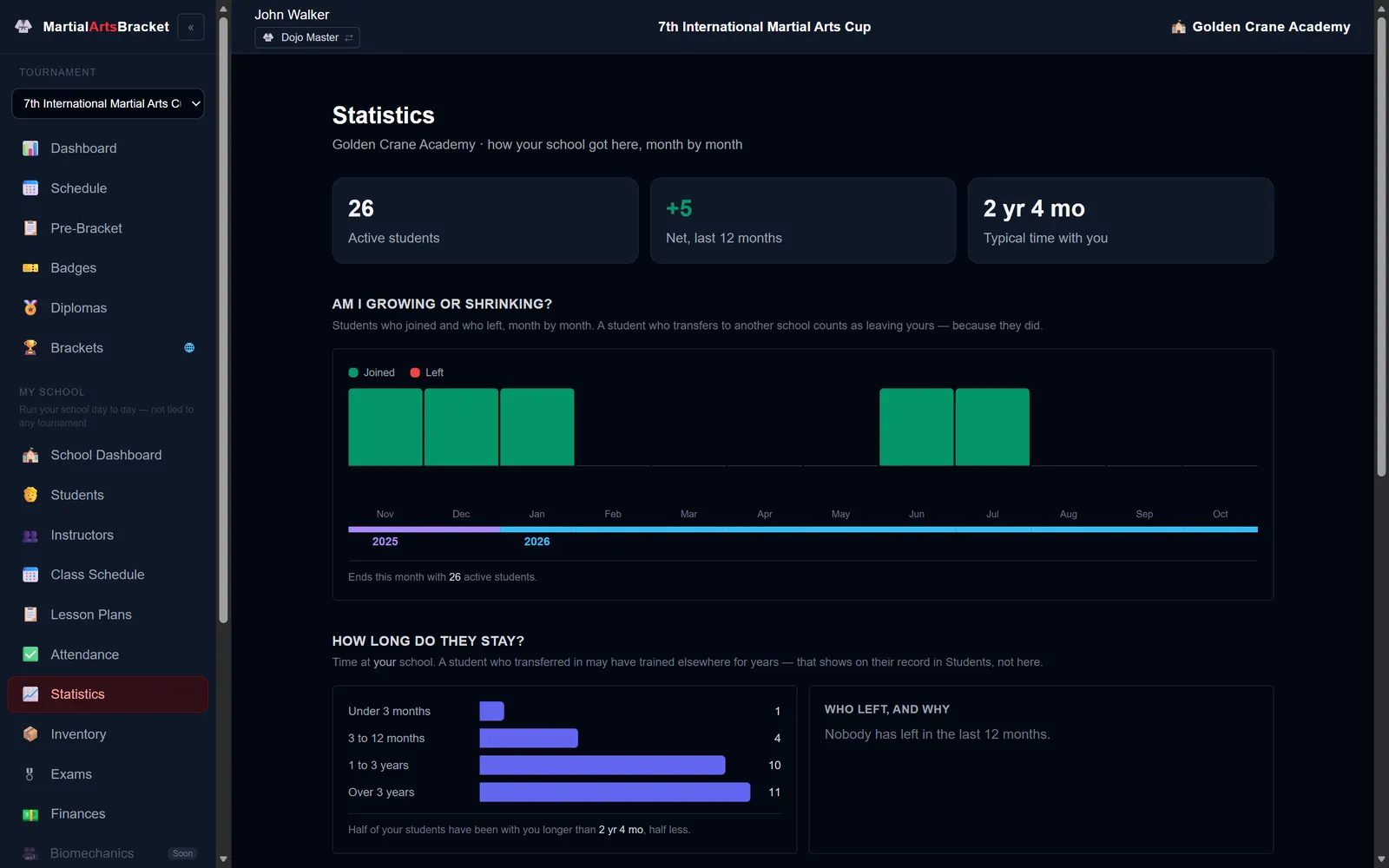
Students, classes, attendance, belt exams and the money of the school — from the same account your students use to compete.
Students & groups
Enrollment, belt history, transfers between schools and class groups with their schedule.
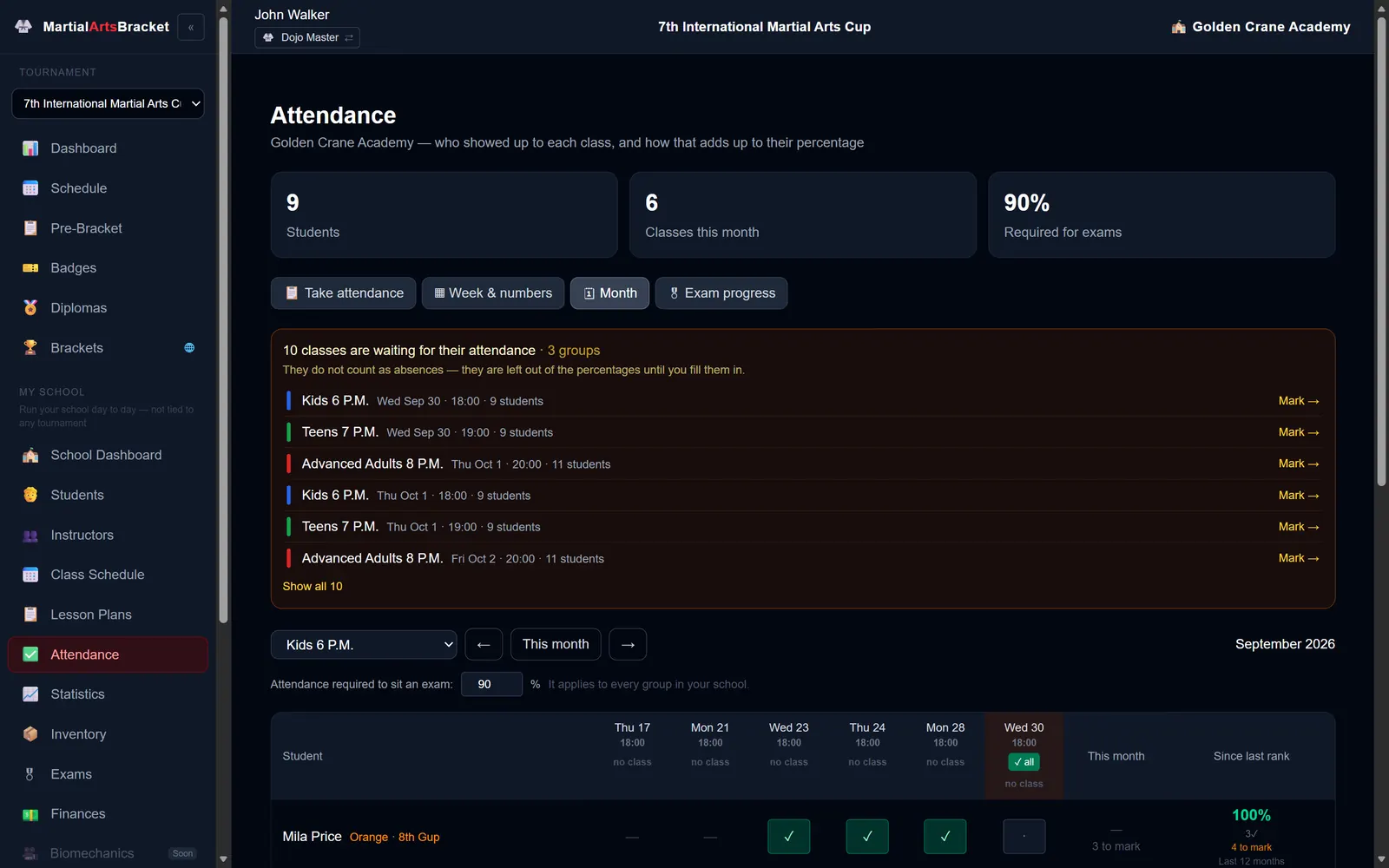
Attendance
Take the list at the door from a phone; see each student’s progress toward the next exam.
Belt exams
Candidates, results and certificates, with the organization numbering the session.
Lesson plans
Ready-made class programs, assigned to a whole month in a few clicks.
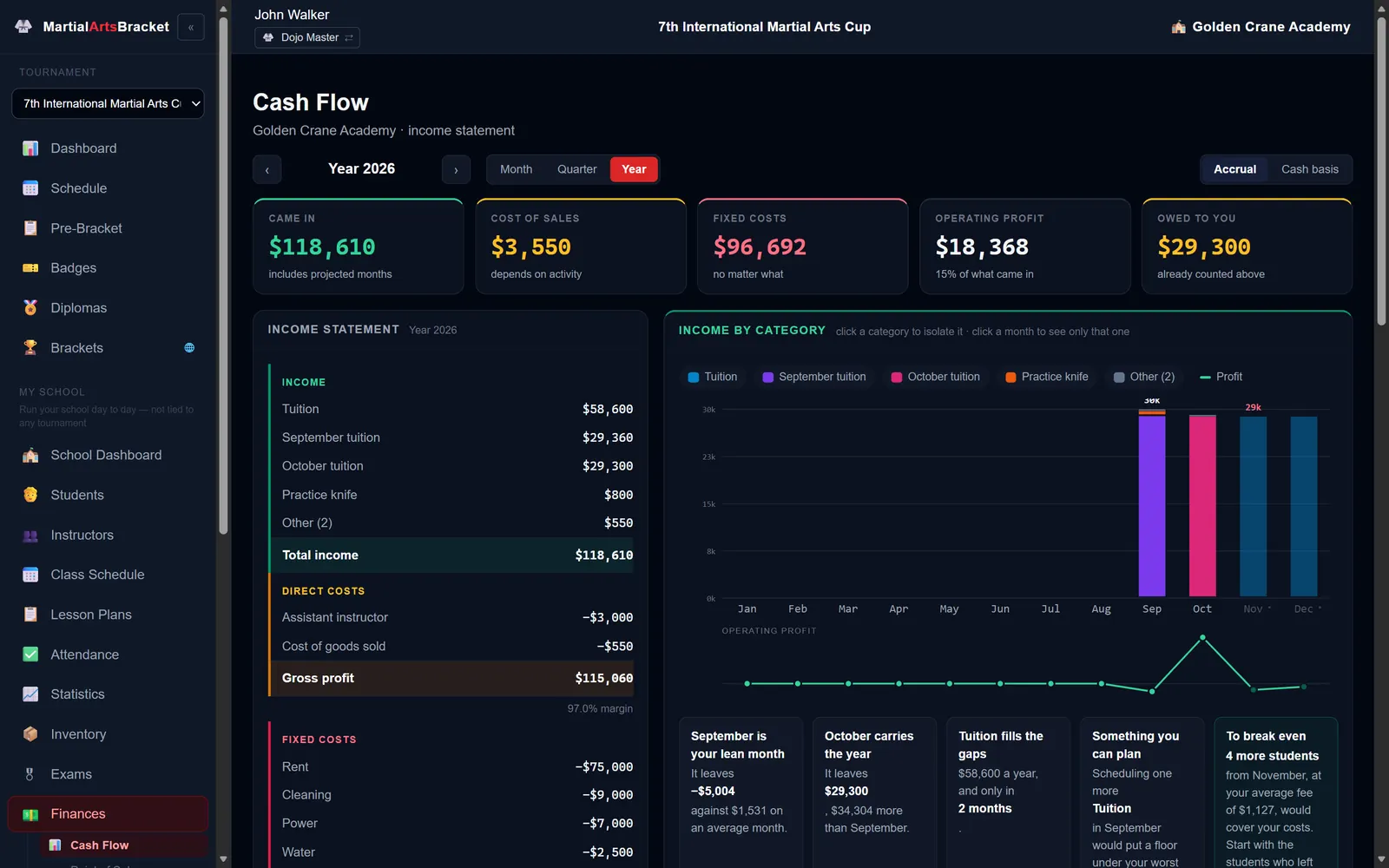
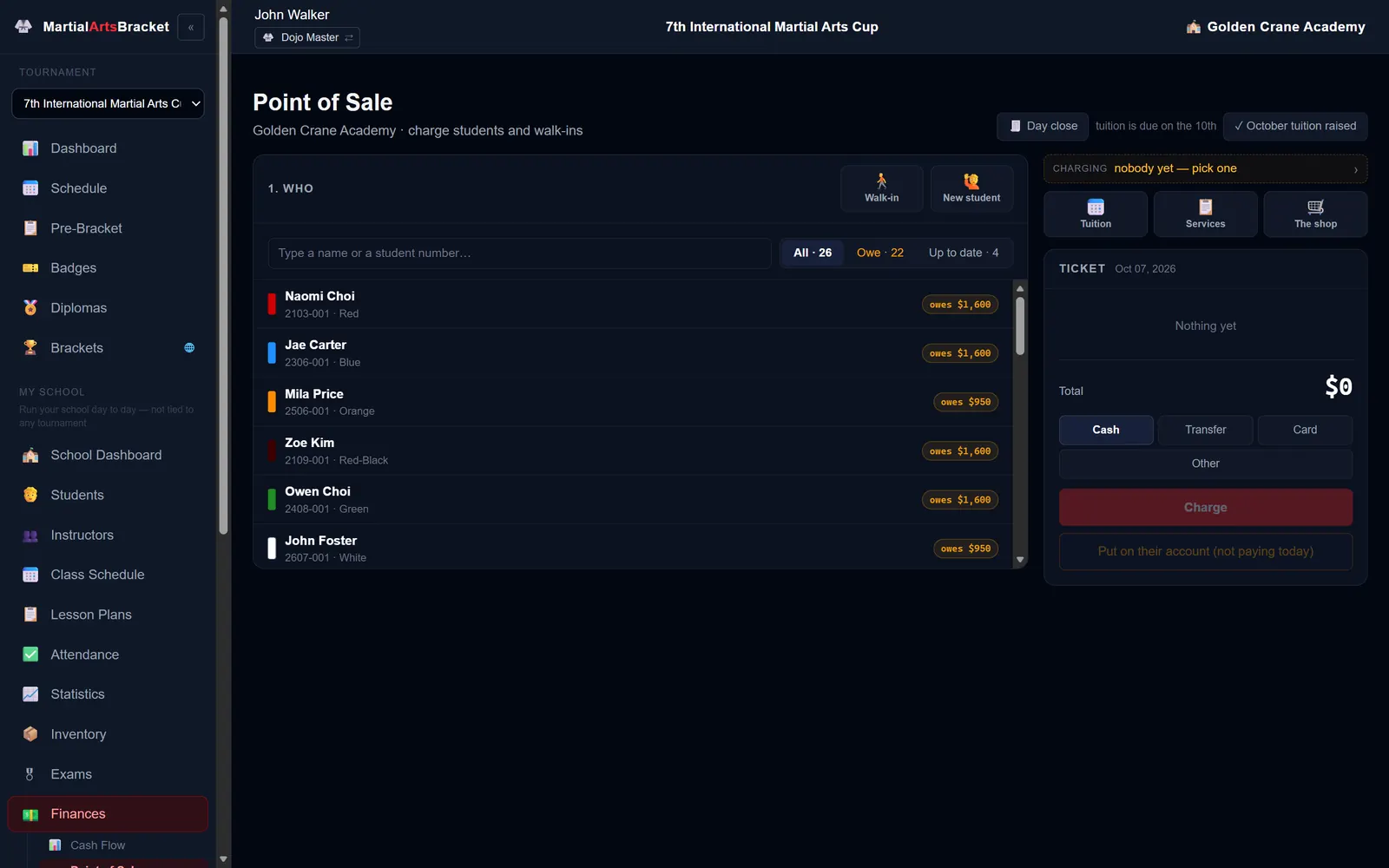
Point of sale & cash flow
Tuition, the shop and expenses, with receipts and a daily cash close.
Inventory
Training gear lent to students and what the shop sold but still owes.
Built for your martial art
The office, the mat and the stands.
Hapkido, Taekwondo, Karate — your divisions, your belts, your events. Nothing to install: a laptop at the desk, a phone at the mat, a TV in the gym.
Find your tournament
Register, check your brackets and schedule, and follow the results live.

Frequently asked questions
Do we need to install anything?
No. MartialArtsBracket runs in the browser — a laptop at the registration desk, a phone at the mat and a TV in the gym. Competitors and families never need an account to see their pass.
Which martial arts does it work for?
Any belt-ranked style with a tournament: Hapkido, Taekwondo, Karate and others. Your organization sets its own divisions, belt ranks and event catalog, and competitors are placed by age, gender, belt and weight following them.
Which events can it run?
Bracket events like sparring and breaking with a live scoreboard, and round-based events like forms, weapons, self-defense and falls, scored by several judges.
Can families register from their phone?
Yes. Print the tournament QR on your poster: competitors register themselves, their instructor confirms them, and each one gets a personal pass with their divisions, area, time and results.
Who can see the competitors’ data?
Public pages show only what a bracket needs: name, school, age and belt. Weight, payments and contact details stay inside your organization, and every personal pass uses a signed link that cannot be guessed.
Does it work for an organization with many schools?
Yes. Each school’s instructor manages their own students, confirms their registrations and prints their badges and diplomas, while the organization runs the tournament for everyone.
How do we get started?
Request early access and tell us about your organization. We set up your divisions, belts and first tournament together with you.
Ready to run your next tournament?
Built with martial artists, for martial artists. If you own a dojang or need to run your organization’s tournament, request access: we will review it and invite you to set it up together.
Request early access