Video guides
See MartialArtsBracket in use, one task per video, in English and Spanish. The names and schools in the videos are examples.
Getting started
2 videosStart here: how your console is organized.
 1:09Your console: Tournament and My SchoolTu consola: Tournament y My SchoolThe two halves of your console: Tournament, for the events your students compete in, and My School, for your school day to day.
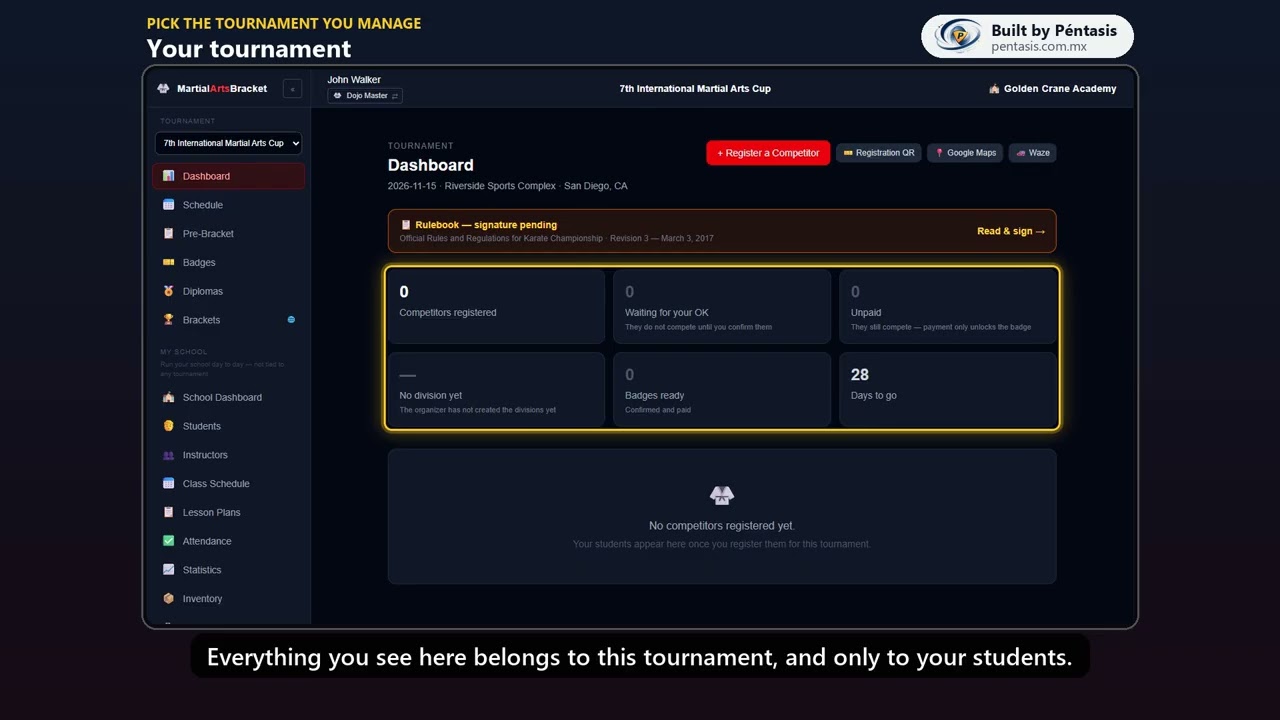 1:02Pick the tournament you manageElige el torneo que manejasHow to pick the tournament you are managing, and what opens up once you do.
Tournament
3 videos · 2 coming soonEverything about the tournaments your students compete in.
 2:03How to register a competitorCómo registrar un competidorSign a student up: their details, disciplines, the rank-in-another-art warning, and how Self-Defense partners pair up.
 1:20Confirm and mark as paidConfirmar y marcar pagadoWhy a competitor waits for your OK, how to confirm them, and how marking them paid unlocks their badge.
 0:59The registration QR for your schoolEl QR de inscripción para tu escuelaPrint the registration QR for your school so students sign up on their own.
Coming soonSchedule and Pre-BracketHorario y Pre-BracketWhen and where each student competes, and who they will face before the brackets exist.
Coming soonBadges and diplomasGafetes y diplomasPrint your students' badges and their participation diplomas.
My School
0 videos · 5 coming soonRunning your school day to day.
Coming soonSchool Dashboard and "Needs you"School Dashboard y «Needs you»What your school needs today, and how "Needs you" walks you through what is missing.
Coming soonAdd your studentsDa de alta a tus alumnosAdd students one by one or bring them all in from a spreadsheet.
Coming soonCreate your class groupsCrea tus grupos de claseSet up your class groups, their schedule, and who trains in each one.
Coming soonTake attendancePasa listaTake attendance at the door, catch up on the week, and read each student’s numbers.
Coming soonRank examsExámenes de gradoCreate a rank exam, add your students, grade them, and award their new belt.
Finances
1 video · 3 coming soonWhat you charge, what you spend and what you keep.
 1:42Start your catalogArranca tu catálogoA quick tour of Finances, then the base of everything: your services, tuition plans, each student’s plan and the shop.
Coming soonRaise tuition and chargeGenera la colegiatura y cobraRaise the month's tuition, charge at the counter, and hand out the receipt.
Coming soonClose the dayCierre del díaClose the day: what came in by payment method and whether the cash drawer adds up.
Coming soonPoint of Sale, in depthPoint of Sale a fondoPoint of Sale in depth: who you charge, what they take, partial payments, putting it on their account, and the receipt.
For judges
8 videosScoring, your area and Ring Logistic on tournament day.
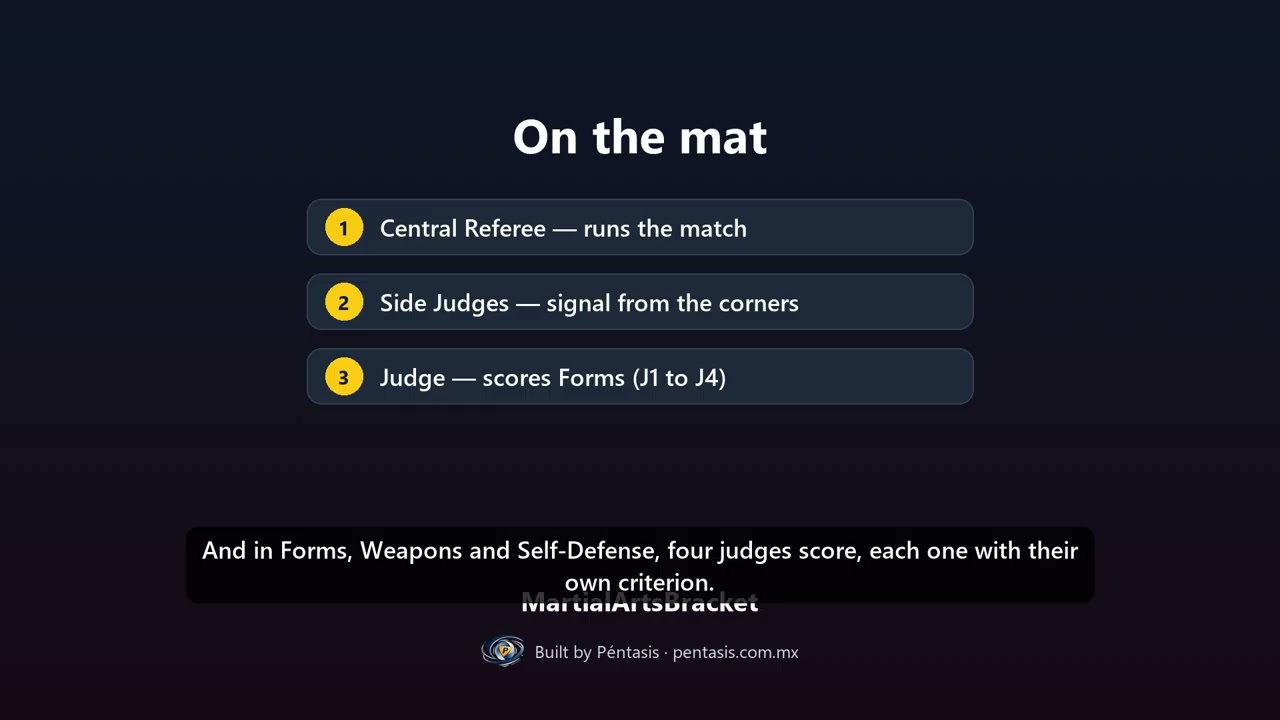 1:29Judging at a tournament: the rolesJueces en el torneo: los rolesHow a tournament day works for judges: areas, teams, and what each role does.
 2:11Your judge consoleTu consola de juezLog in as a judge, check your area, roles and team, sign the rulebook, and find what to score.
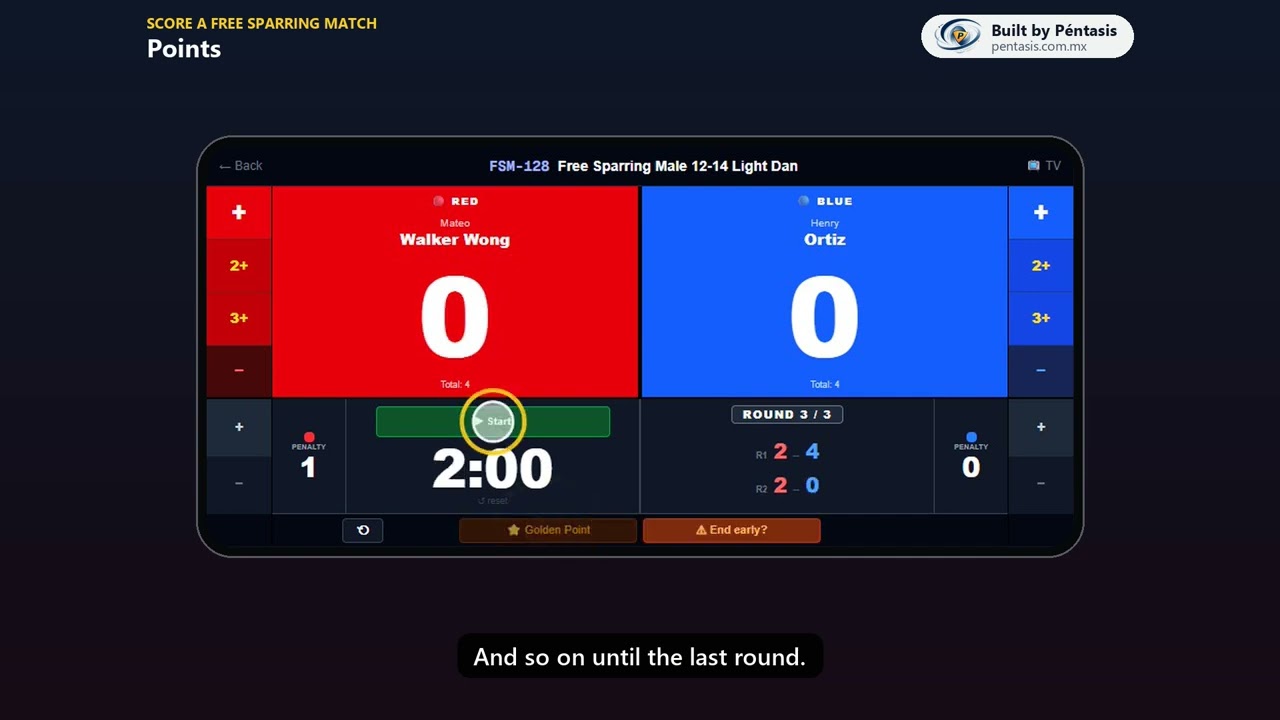 2:01Score a Free Sparring matchCalifica un combateScore a match on your phone: points, penalties, rounds, Golden Point and the big screen.
 1:42Forms, Weapons & Self-Defense by roundsFormas, Armas y Defensa Personal por rondasScore by rounds: four judges, the average, automatic tie-breaks and medals.
 2:29Score jumps (High / Long Fall)Califica los saltosScore jumps: the round target, the three flags, up to three attempts, and the medals.
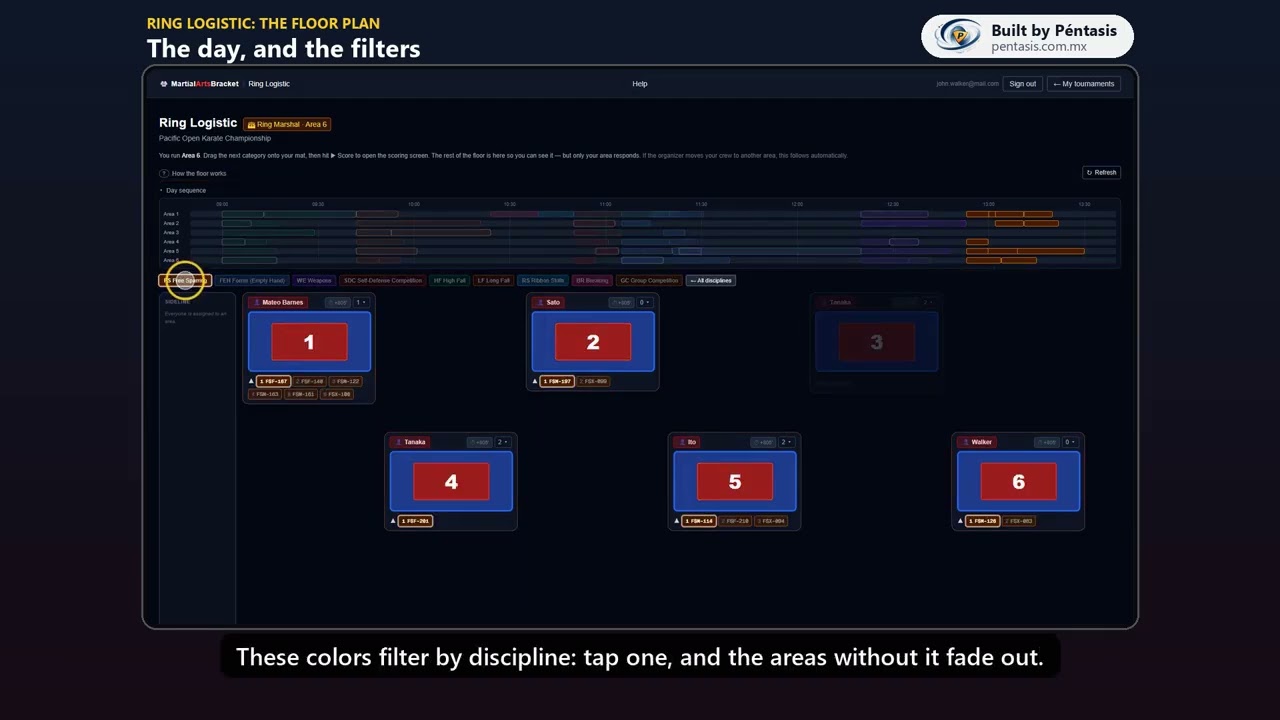 1:54Ring Logistic: the floor planRing Logistic: el plano del recintoRead the floor plan: the day sequence, the filters, and what each area shows.
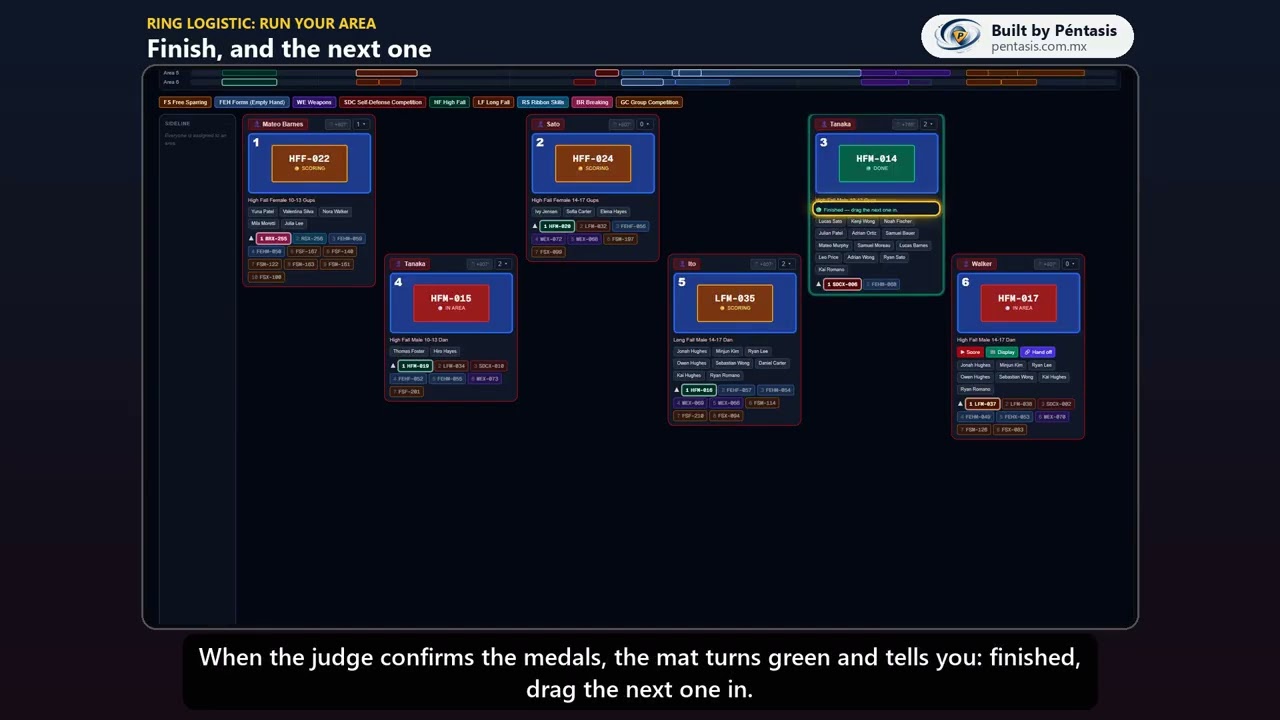 1:14Ring Logistic: run your areaRing Logistic: lleva tu áreaRun your area as Ring Marshal: into the mat, Score, Display, Hand off, and the podium.
 1:07Ring Logistic: move judges and divisionsRing Logistic: mueve jueces y divisionesFor organizers: move judges between areas, use the sideline, and move a division.